FOB stations

The FOB is your base between deployments. Nine of its 14 stations are open from the start and five unlock as you play.

FOB upgrades and level rewards
UpgradeEffect
3D PrinterPrint new types of equipment and rarer ingredients
Active DutyOne more Operator slot
BankRoom for more DMZ Cash
GunsmithDiscounts on weapon purchases
Stash slotsMore slots for items and equipment
Weapon Stash slotsMore slots for weapons
MIA recoveryCheaper rescues (printed)
Dog Tag CaseHigher bounty payouts; more slots (printed)
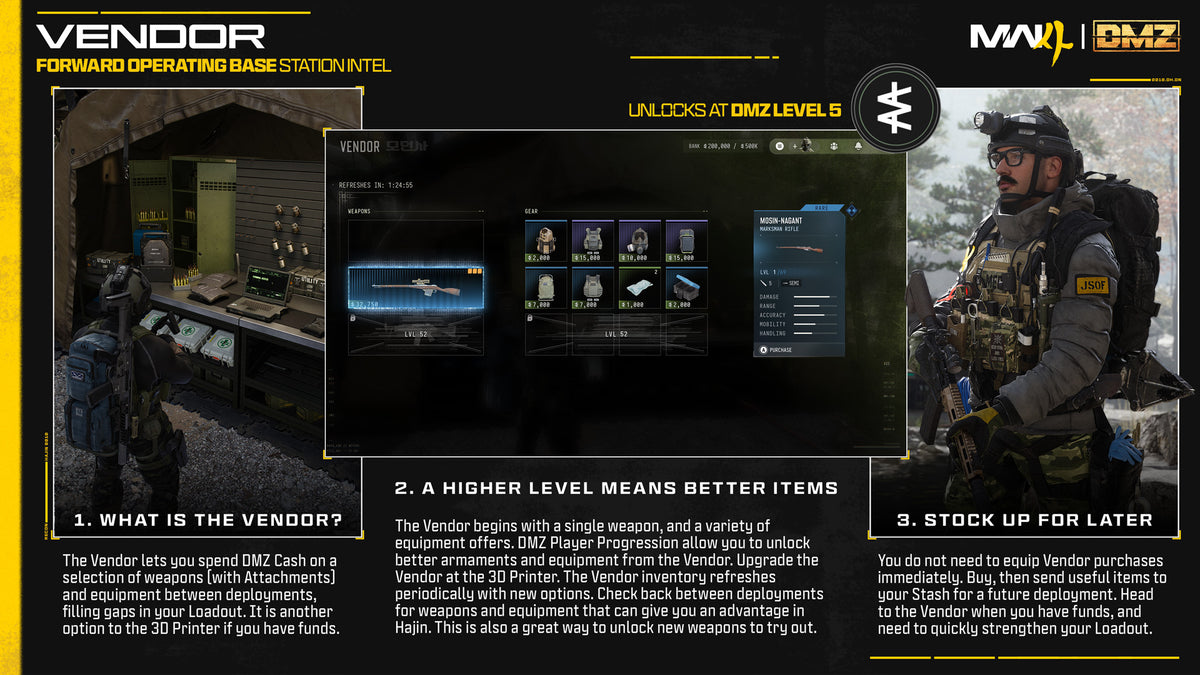
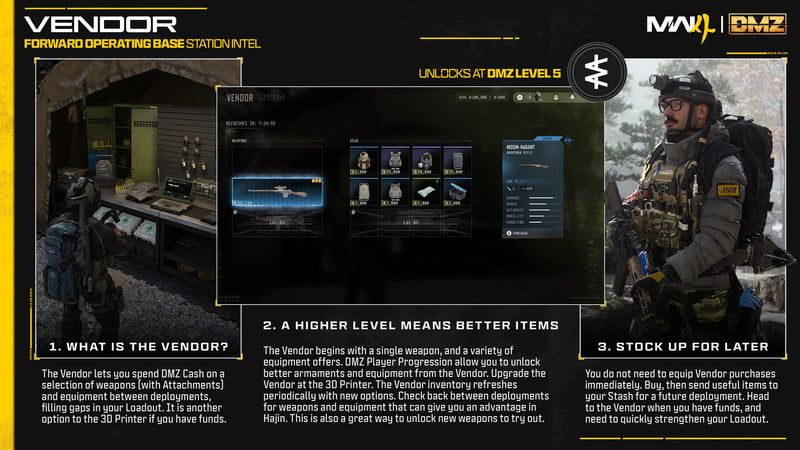
VendorMore weapon offers and item slots
Level rewardsRecipes, Operators and skins, ingredients, Survival Kits and Fire Support

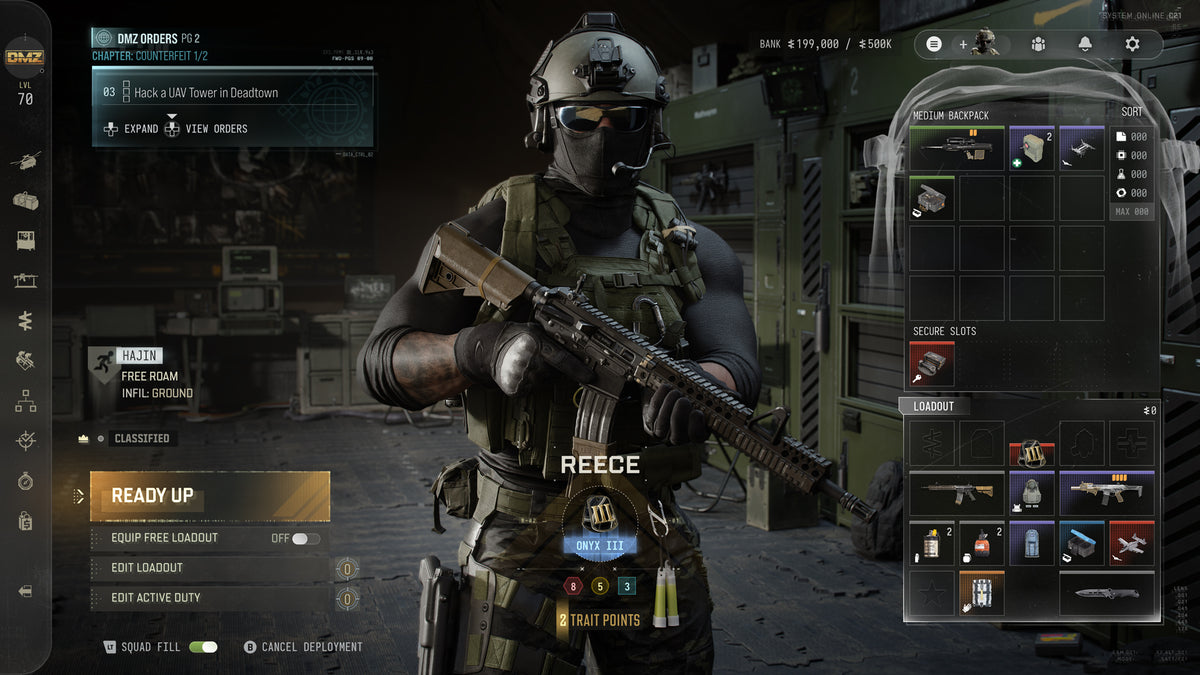
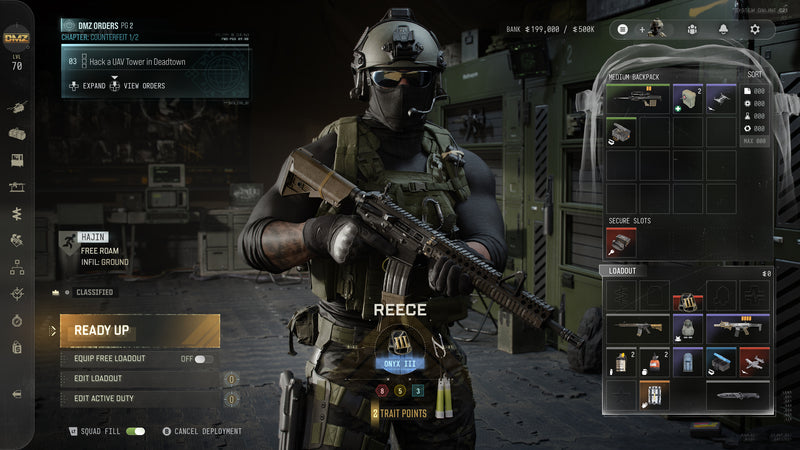
Operators (Active Duty)
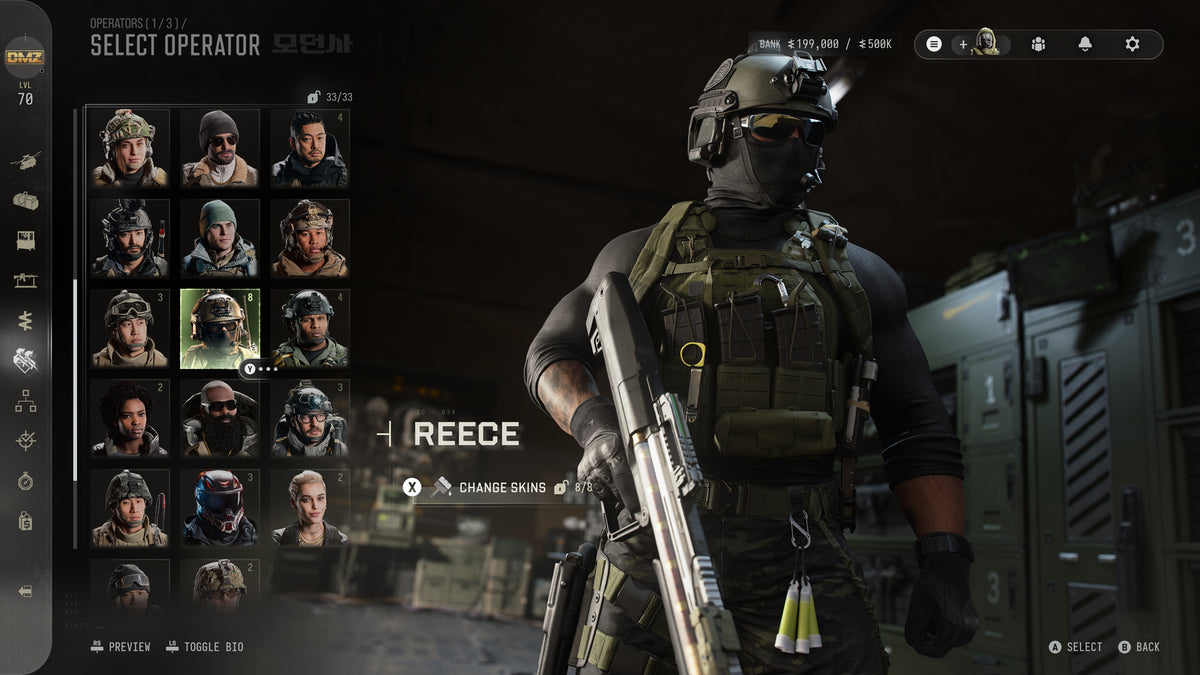
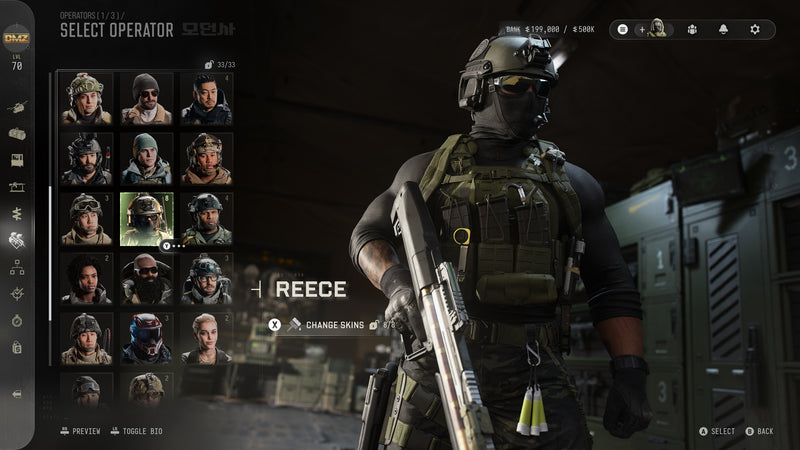
The Select Operator screen with Reece chosen
Unlocks
Open at start
Open it from
The station or the left-side blade menu
What it does
Recruit and manage Operators, check their status, spend Trait Points and choose who deploys
Slots
2 at the start, 3 with the Vault Edition. A higher DMZ level adds one more.

An Operator stays in its slot until you dismiss it. You can't pick the same Operator for two slots, and you can change its skin in this menu.

If an Operator is eliminated it goes MIA and can't deploy. You pay DMZ Cash from your Bank to bring it back with its Traits, but it returns without gear. More Traits means a higher price. You can also dismiss it and start over.

Back to FOB stations

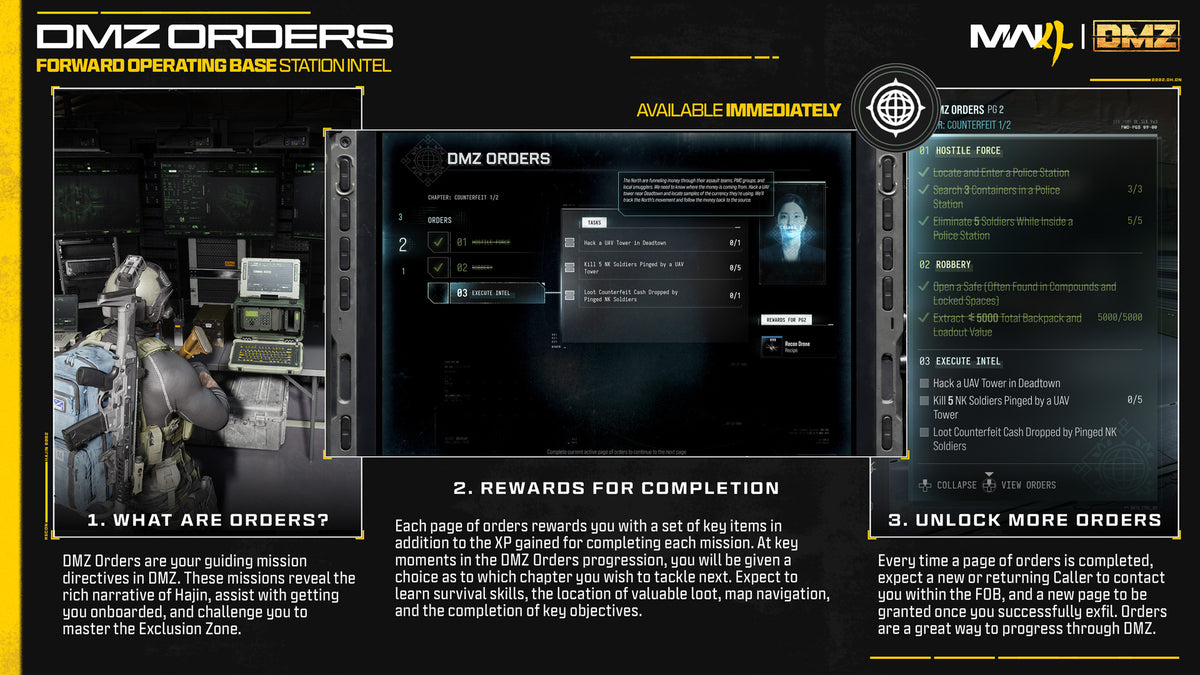
DMZ Orders

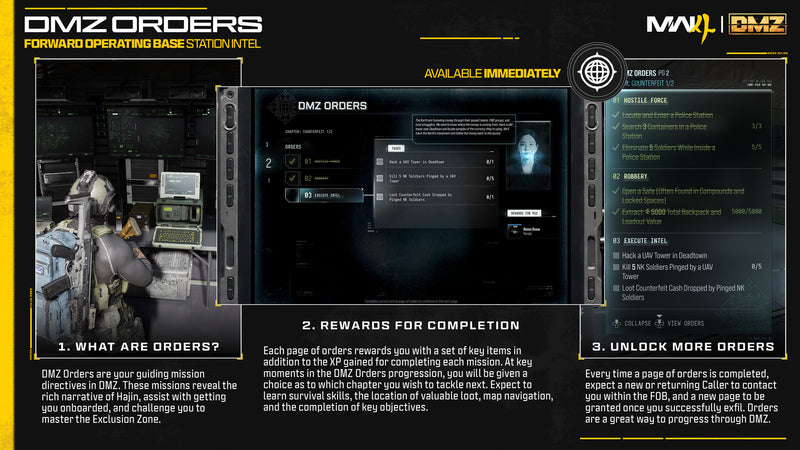
The DMZ Orders menu in the FOB
Unlocks
Open at start
Open it from
The station, or the top corner of the FOB screen
What it does
Shows your current objectives and the rewards for finishing them

Orders teach you the mode, tell the DMZ story and set challenges. They are always available.

Finishing them pays resources, loot and cash, and helps you upgrade your Operator and FOB. Complete two Orders to unlock the Boss Board.

Back to FOB stations

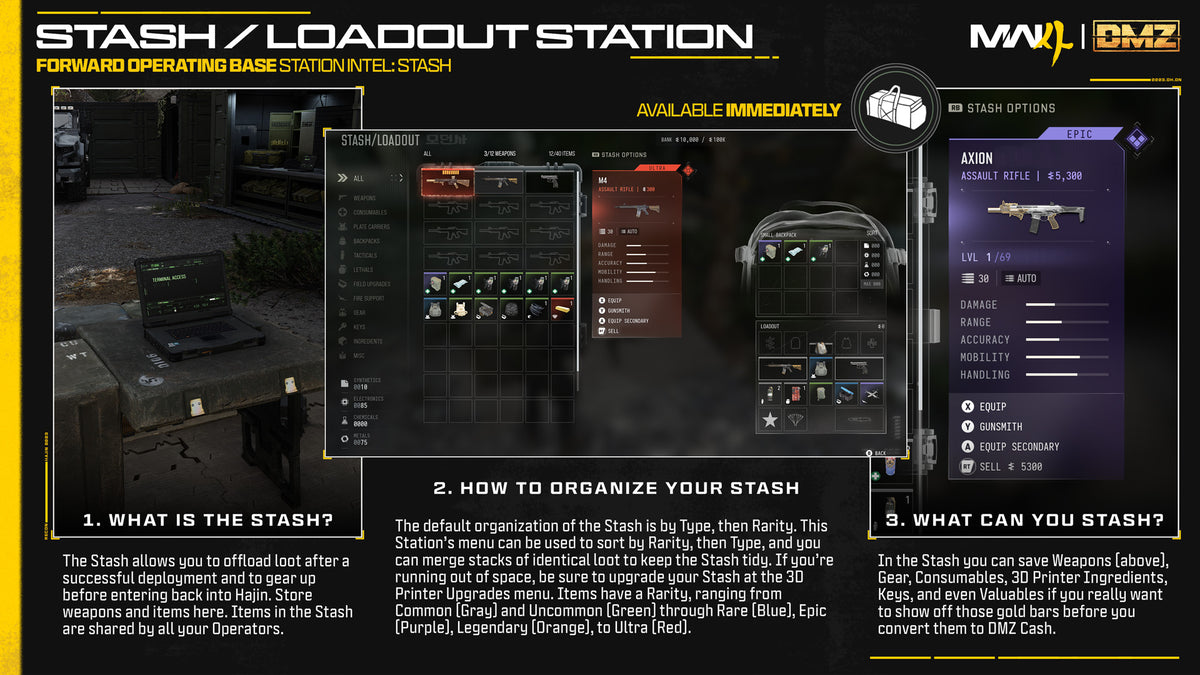
Stash / Loadout

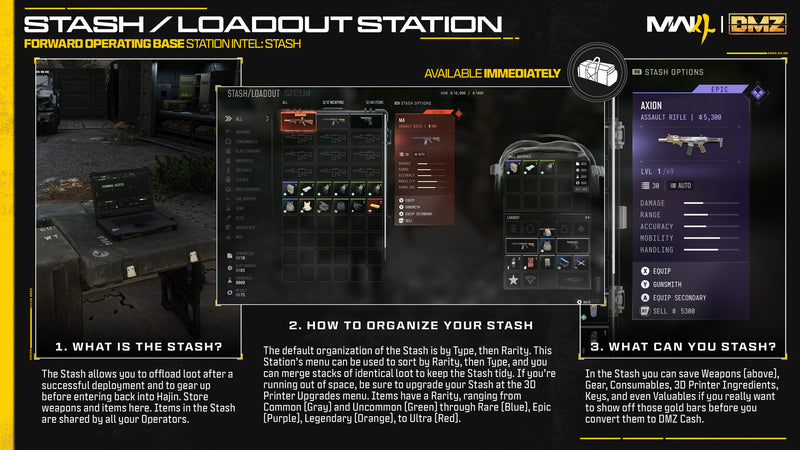
The Stash and Loadout screen
Unlocks
Open at start
Open it from
The station or the left-side blade menu
Stash size
40 items and 12 weapons to begin with, counted separately
Basic Pack
8 slots, used when no Backpack is equipped

Every Active Duty Operator shares the Stash. Items in it stay at the FOB. Your Loadout is what your Operator takes into Hajin, and you keep it after a successful exfil.

Resources do not take Stash slots. They have their own pouch in every Backpack, and you spend them at the 3D Printer.

Back to FOB stations

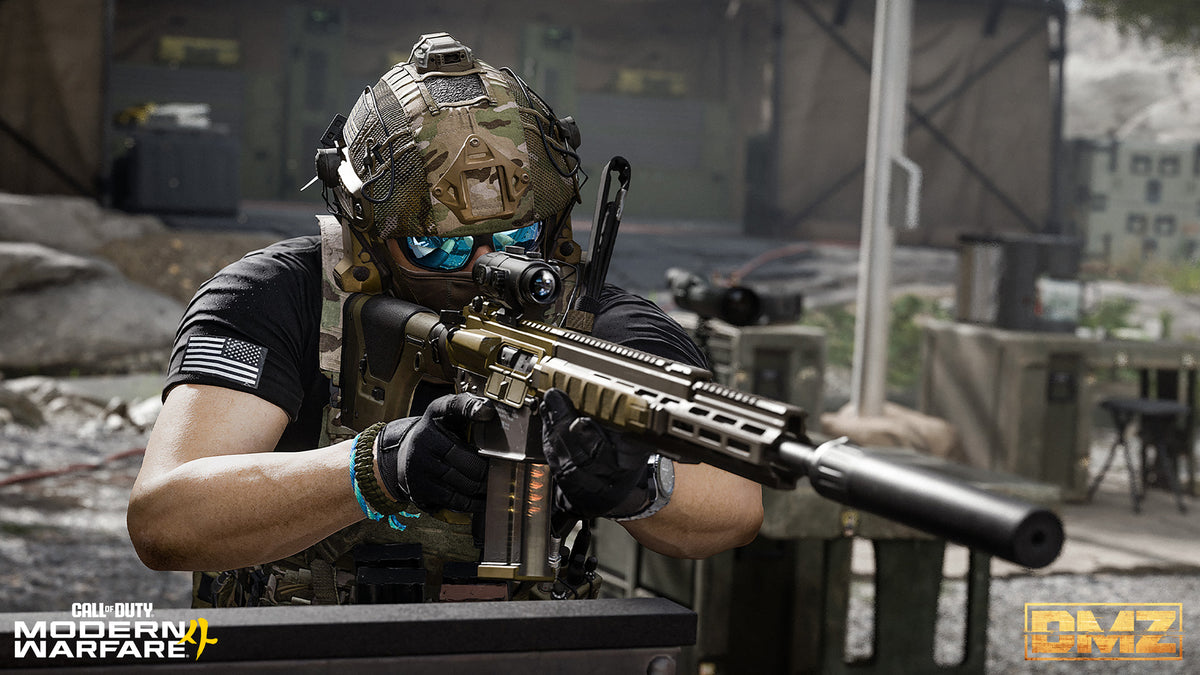
Firing Range

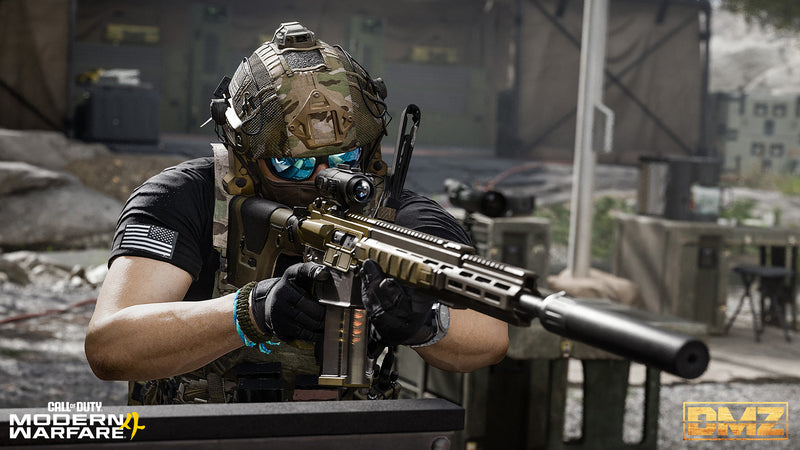
An Operator aiming a scoped rifle
Unlocks
Open at start
Where
A wooded grove between the Gunsmith and the Vendor
Targets
Round and bottle-shaped, from under 10 m to over 100 m

Bring any ranged weapon from your Loadout. It is a good place to try a new optic. Several walls let you crouch, go prone or mount your weapon.

Look at accuracy, recoil, handling and optics. Then head back to the Gunsmith and adjust your build.

Back to FOB stations

Survival Kits

Unlocks
Open at start
What it does
Holds your unopened kits and unpacks them into your Stash
Kit types
Deployment, Triage (medical), Armor, Equipment and SERE (high-risk recoveries) are the examples given
Where kits come from
DMZ level rewards, DMZ Orders and Missions, and Events

Unopened kits wait in the station menu and can stack without a limit. You can use what is inside to gear up or to craft.

The Vault Edition comes with a Deployment Kit. It holds two each of Weapon Insurance Contract, Operator Rescue Beacon, Fulton Drop Marker, Medium Backpack and 2-Plate Carrier.

Back to FOB stations

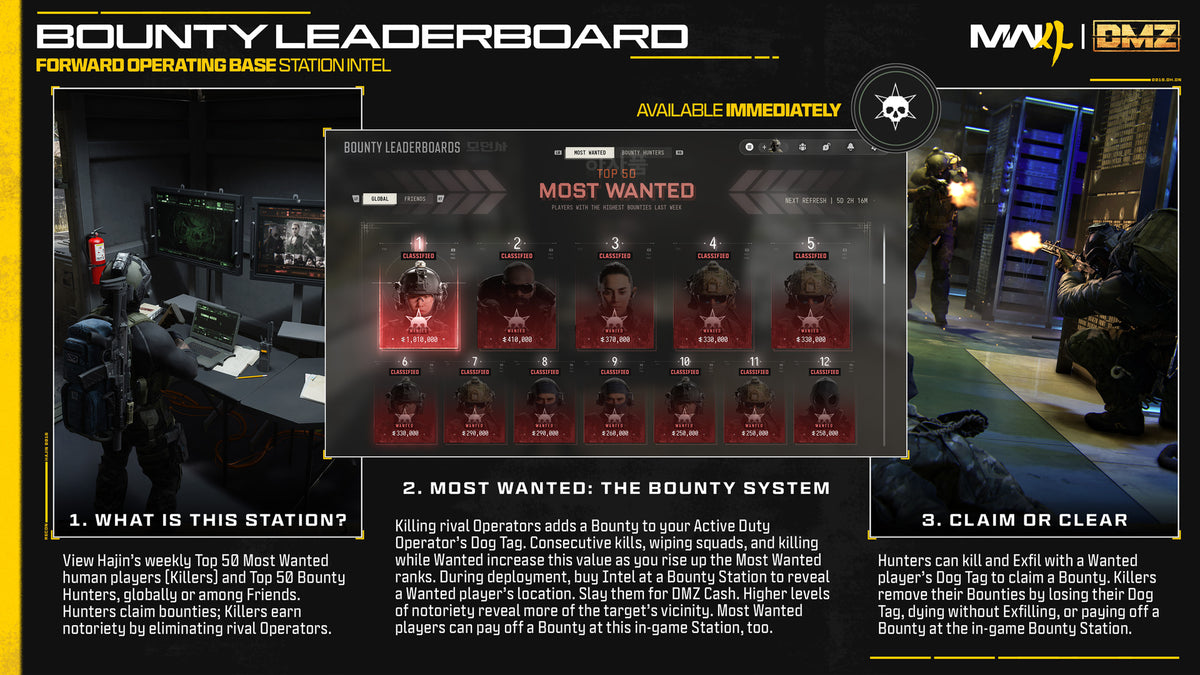
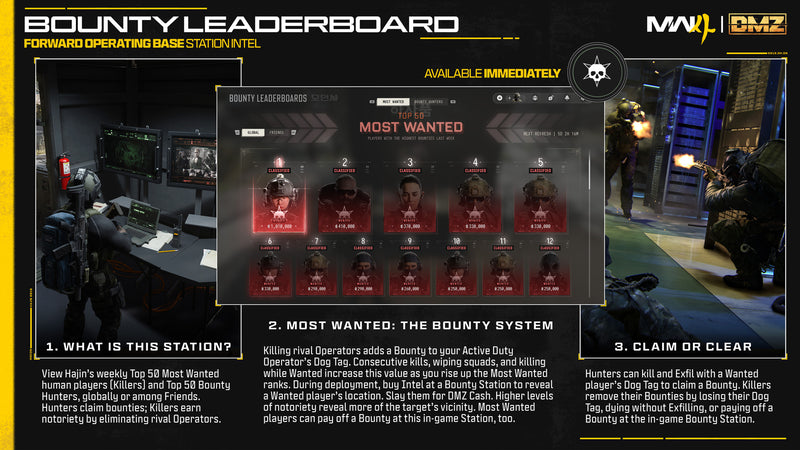
Bounty Leaderboard

The Most Wanted board on the Bounty Leaderboard
Unlocks
Open at start
Lists
Top 50 Most Wanted and Top 50 Bounty Hunters
View
Global or Friends only
Updates
The Most Wanted list updates weekly

On the Most Wanted list, each player is marked Wanted or Eliminated, and the list shows their bounty. The Bounty Hunters list gives how many bounties each hunter has claimed and how much DMZ Cash they earned.

Four kills on other Operators, counted across deployments, make you Wanted. To claim a bounty, kill the target and then exfil with their Dog Tag.

Back to FOB stations

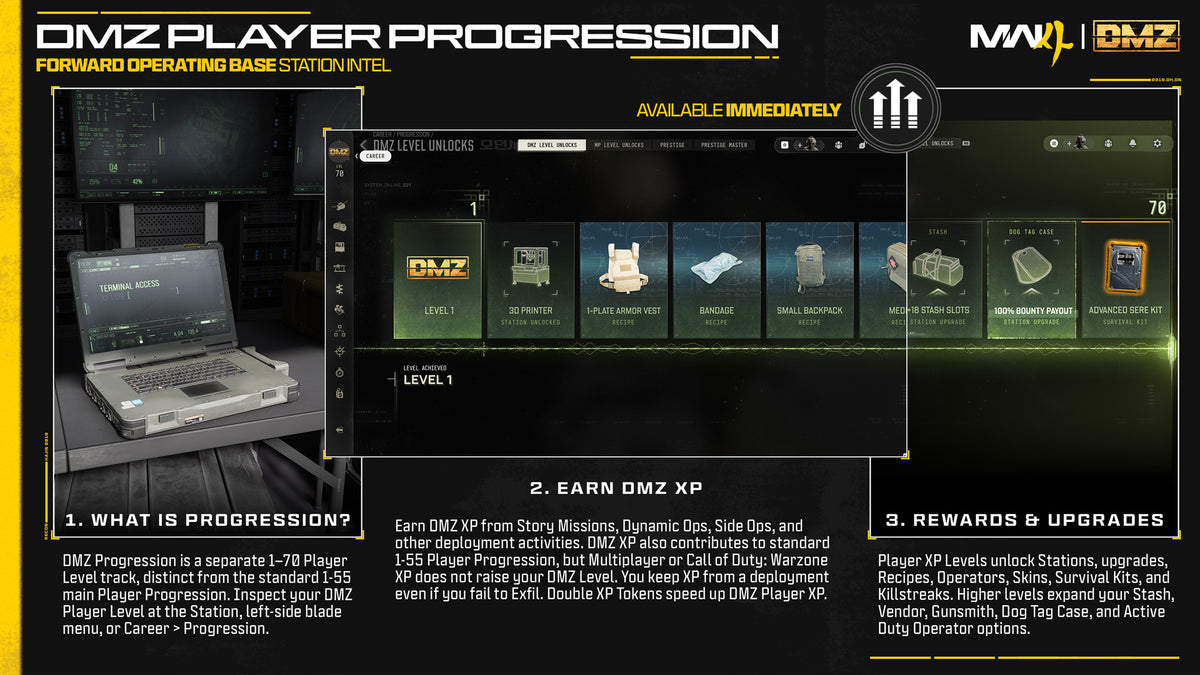
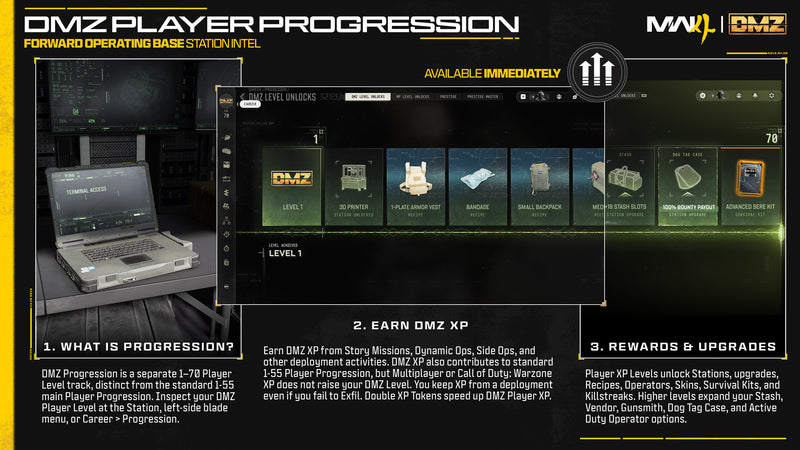
DMZ Progression

The DMZ Player Progression track with its unlocks
Unlocks
Open at start
Open it from
Walk up to the station, use the left-side blade menu, or go to Career > Progression
Levels
1 to 70
DMZ XP comes from
Finishing Story Missions, Dynamic Operations or Side Ops, among other deployment activities

It is separate from the 1 to 55 player level. DMZ XP counts toward that level, but Multiplayer and Warzone XP do not count toward DMZ.

DMZ XP from a deployment still counts if you fail to exfil. Every level has an unlock: stations, upgrades, Recipes, Operators and skins, ingredients, Survival Kits or Fire Support.

Back to FOB stations

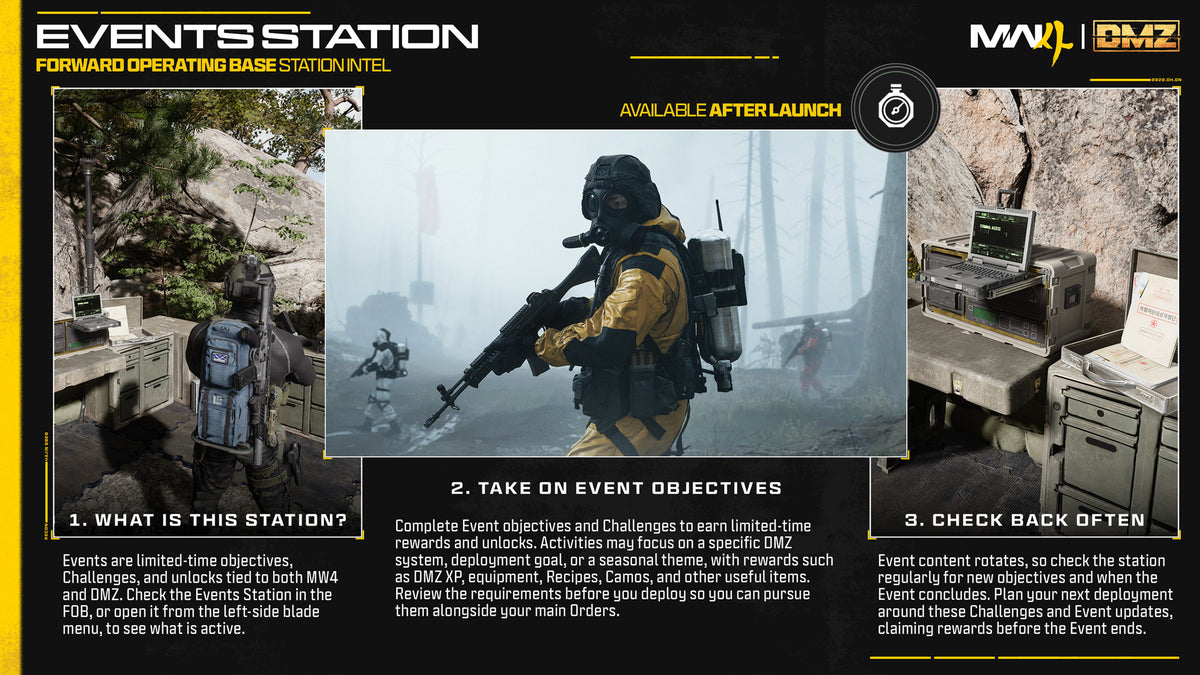
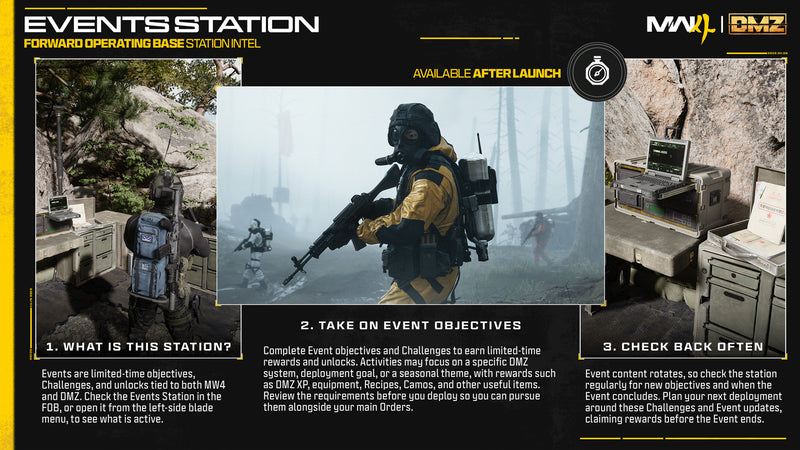
Events

The Events station card
Unlocks
Open at start
Open it from
The station or the left-side blade menu
Rewards
DMZ XP, equipment, Recipes and Camos

Check it when an Event is running. Event content rotates, so claim your rewards before the Event ends.

Objectives can focus on a DMZ system, a deployment goal or a seasonal theme.

Back to FOB stations

Deploy

The Ready Up menu before a deployment
Unlocks
Open at start
Open it from
The Deploy menu, or the razor wire and helicopter area
Deployment types
Story Missions, Dynamic Operations and Free Roam

Dynamic Operations and Free Roam let you choose how you infil. Some options cost DMZ Cash or need progression to unlock.

The Ready Up menu is your last chance to prepare. You can equip the Free Loadout, edit your Loadout or Active Duty Operator, and turn Squad Fill on or off.

Back to FOB stations

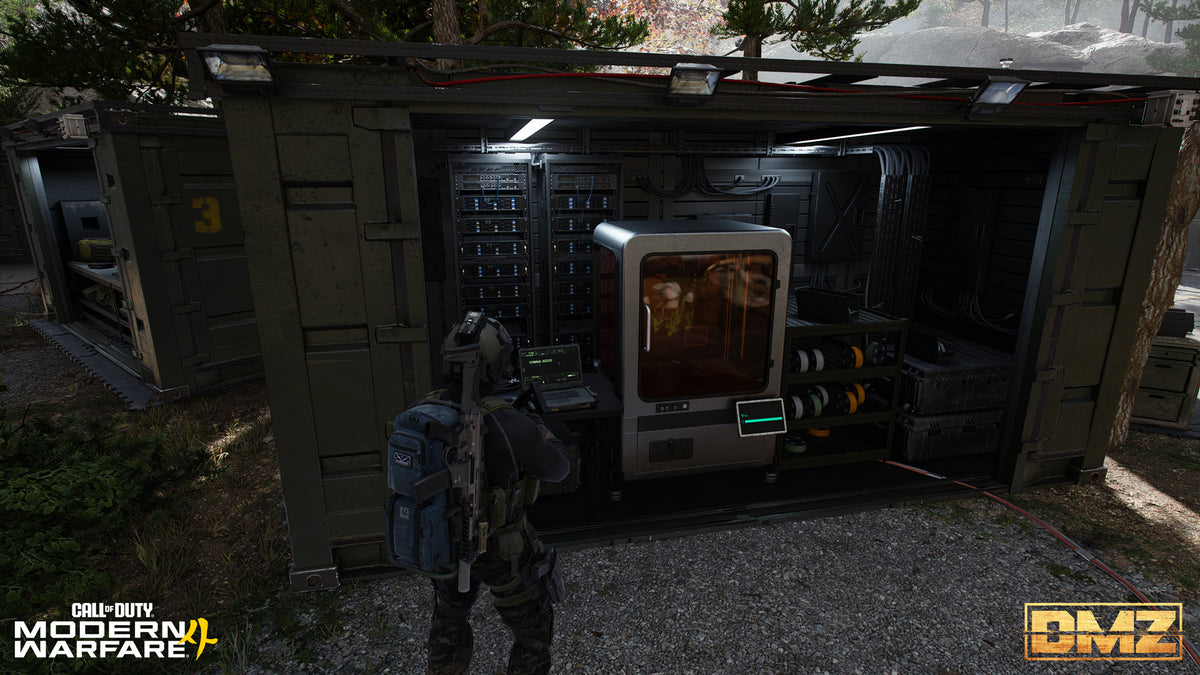
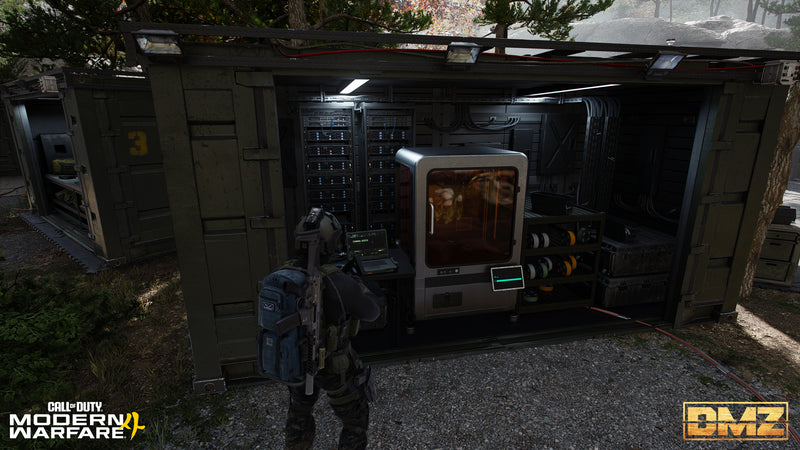
3D Printer

An Operator at the 3D Printer in the FOB
Unlocks
DMZ Level 2
Open it from
The station or the left-side blade menu
What it does
Crafts gear and special ingredients from Resources and Ingredients, and upgrades other FOB stations

Most items need a Recipe. You unlock Recipes through DMZ levels and Orders, or by extracting with them. Printed items go to your Stash or straight onto your Operator.

You also craft FOB upgrades here. They are permanent, and each one takes several prints.

Back to FOB stations

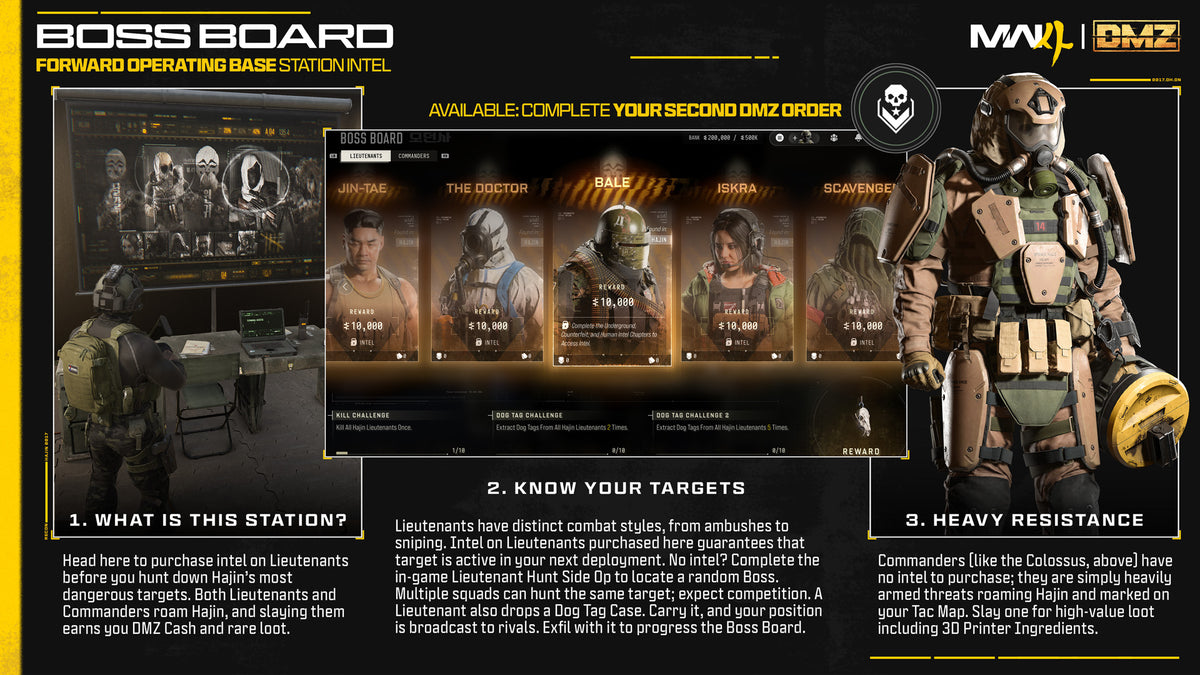
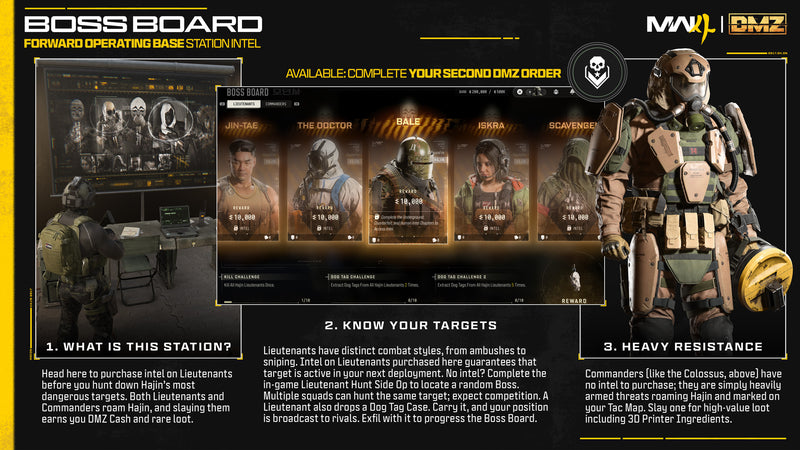
Boss Board

The Boss Board menu with Lieutenant portraits
After your 2nd Order
Unlocks
Once you have finished two DMZ Orders
Open it from
Walk up to it in the FOB
What it does
Sells intel on Lieutenants for DMZ Cash and shows free information on Commanders

To buy intel on a Lieutenant, you first finish a set of challenges in earlier deployments. You pay in DMZ Cash, and the intel lasts for one deployment. Bring a Lieutenant's Dog Tag Case out with you to move the Boss Board forward.

Commanders are always in Hajin. You can't buy intel on them.

Back to FOB stations

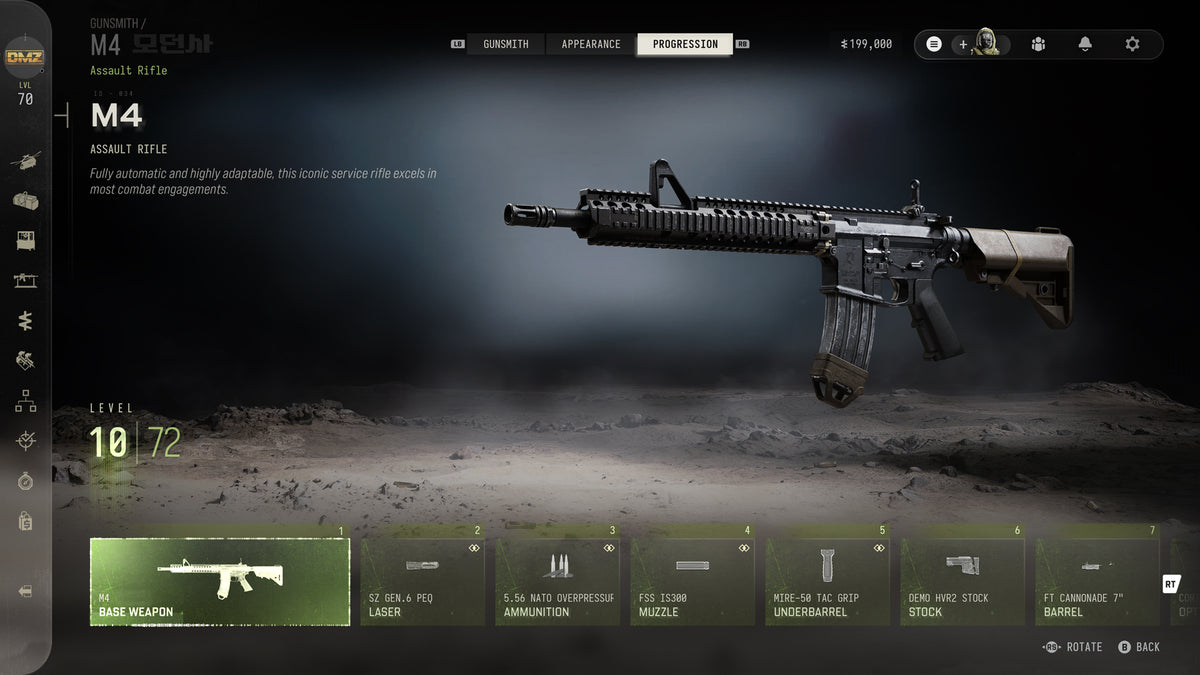
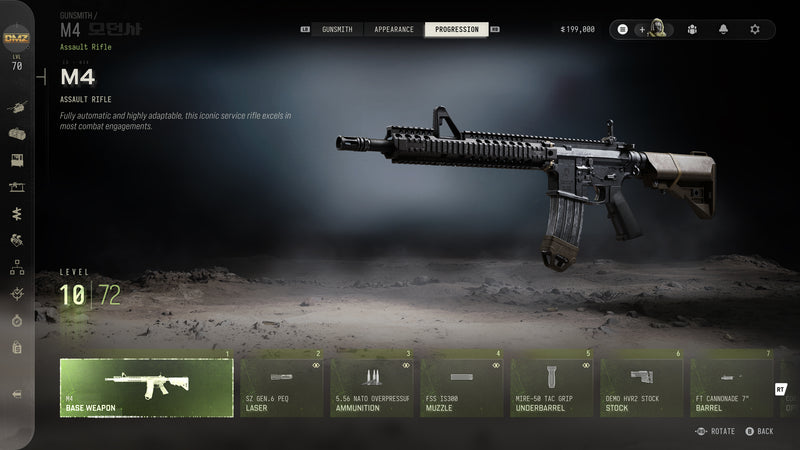
Gunsmith

The M4 weapon progression screen
Unlocks
DMZ Level 10
Open it from
The station or the left-side blade menu
Pay with
DMZ Cash
Attachments
Up to 5 on Gunsmith builds, up to 8 on guns found in Hajin
Example price
A base M4 costs about 5,000 DMZ Cash

To buy a gun, find its Weapon Manual and extract with it once. After that you can buy the gun as often as you like. Any gun you extract with can also be modded, but only as that one copy.

Attachments need slots and cash, and you unlock them by levelling the gun. Weapon levels are shared with Multiplayer. Camos, charms, gun screens, decals and stickers cost no DMZ Cash. Blueprints are the exception.

If you are unsure how to build a gun, ask Gunny. Gunsmith discounts are an upgrade at the 3D Printer.

Back to FOB stations

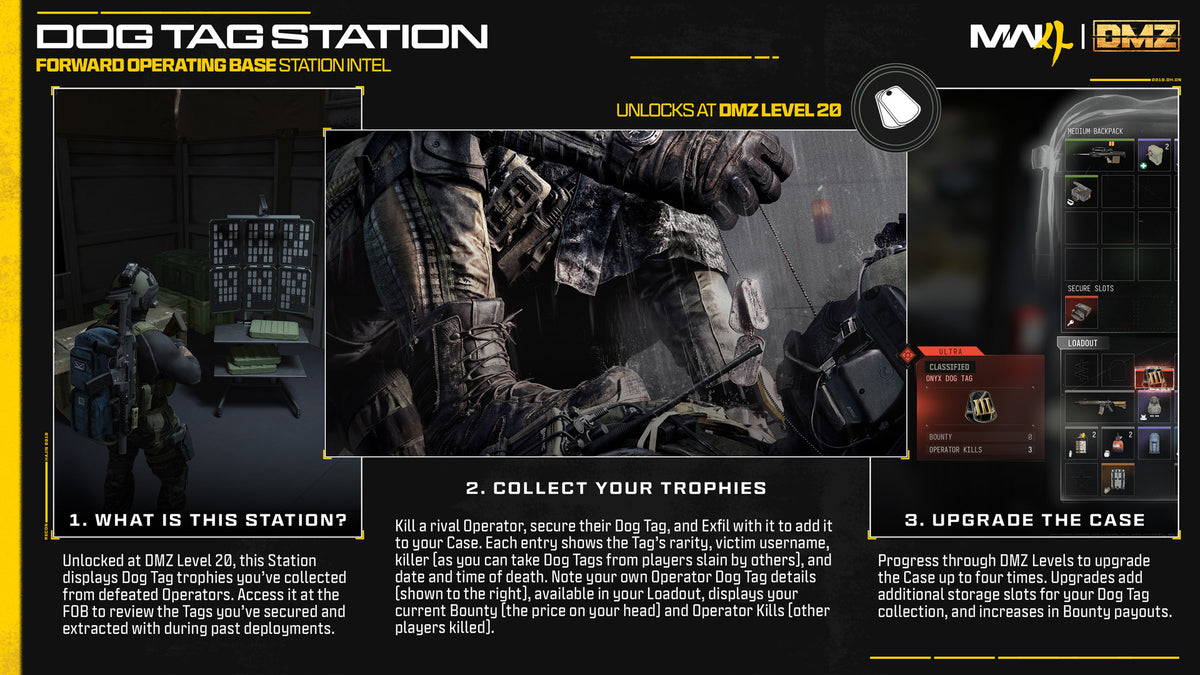
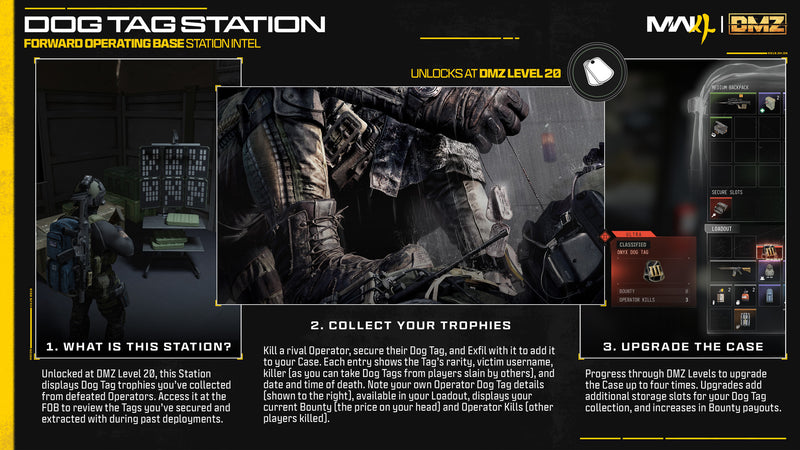
Dog Tag Case

The Dog Tag Case station card
Unlocks
DMZ Level 20
Open it from
Walk up to it in the FOB
Each tag shows
Rarity, the victim, the killer, and the time and date of death
Upgrades
Up to four upgrades. Higher DMZ levels raise bounty payouts. You print extra slots at the 3D Printer.

Kill a player, then find their Dog Tag and exfil with it, and it goes into the case. You can favorite the tags you don't want to lose.

Higher DMZ levels raise the DMZ Cash you get from bounties, and you can print extra slots at the 3D Printer. Not every player you kill has a bounty.

Back to FOB stations

Menu